


mcpMarvin
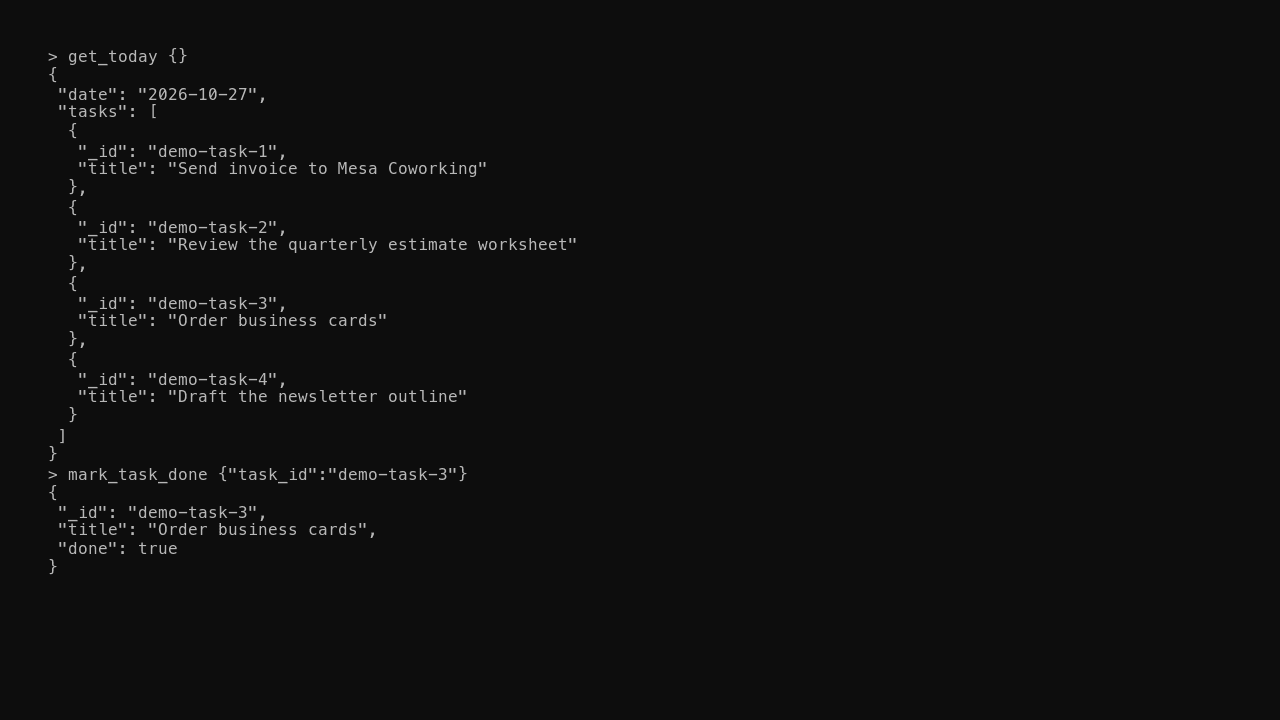
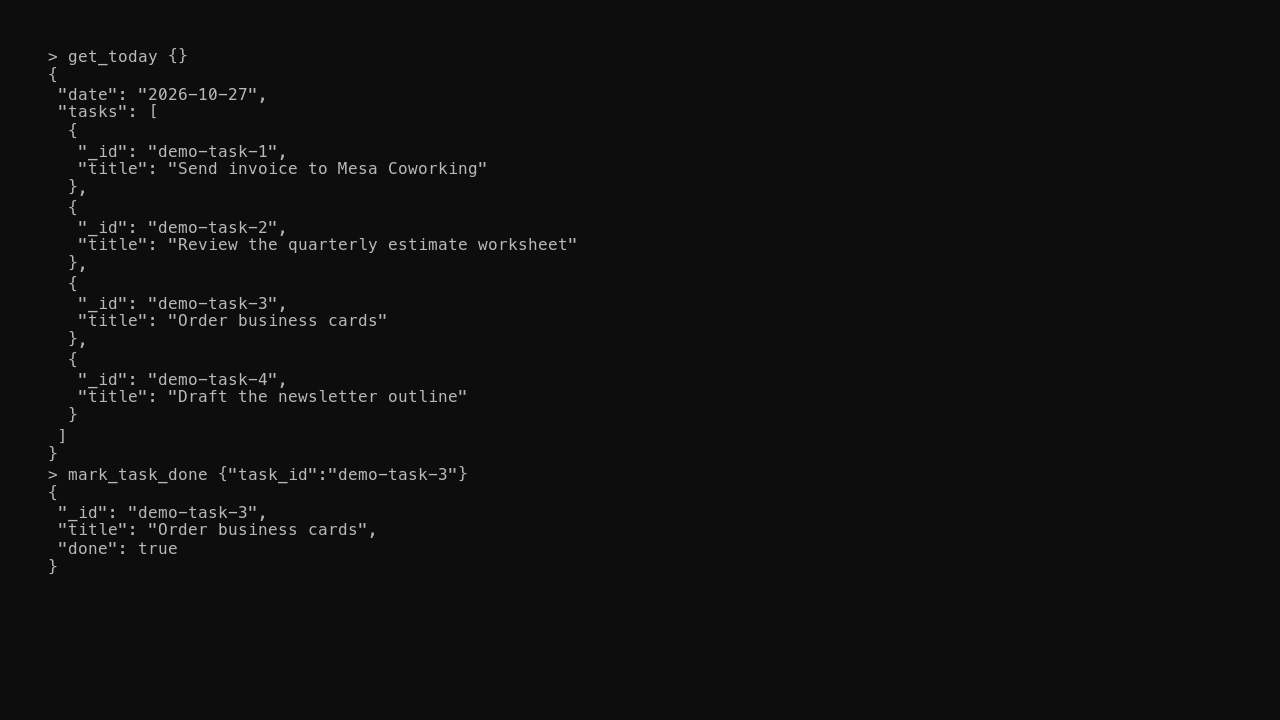
Why this label: It's private work: the service and its code are closed to the public, so there's no link, and the example uses made-up tasks.
Let your AI assistant read today's schedule and add or check off tasks in your Amazing Marvin planner.
Captured
Current status
Runs as a private service that needs a credential, and the example uses made-up tasks.
preset_pillsstep=1/2 · mode=write_upOverview
An MCP server that lets an AI assistant read the day's schedule, add tasks and check them off in the Amazing Marvin planner.
Why it was built
Planning apps keep tasks behind their own screens, so an AI assistant can't help plan the day without copy and paste.
Why it helps
Ask the assistant what's due today or to add a task, and the change lands straight in the planner.
Built with
What was hard
- Naming tools and inputs so an AI assistant picks the right one without extra prompting
- Handling the planner's rate limits and partial failures without losing a task
- Testing every tool against recorded responses so no test touches a real account
What you can do
- Reads today's schedule and open tasks
- Adds, edits and checks off tasks
- Typed tool definitions an assistant can discover on its own
- Tests replay recorded planner responses instead of calling the live service
More in Systems & Ops
Other projects in the same category.

Sort your freelance business expenses with rules you can read, then fill in your Schedule C numbers.

Read this site's public endpoints, try the read-only ones from your browser, and get the OpenAPI spec.

Sync every account into one ledger, catch duplicate imports, and track net worth and recurring subscriptions.

Build factories in a Minecraft modpack where overlapping mods share one set of ores and recipes, tuned for multiplayer servers.