
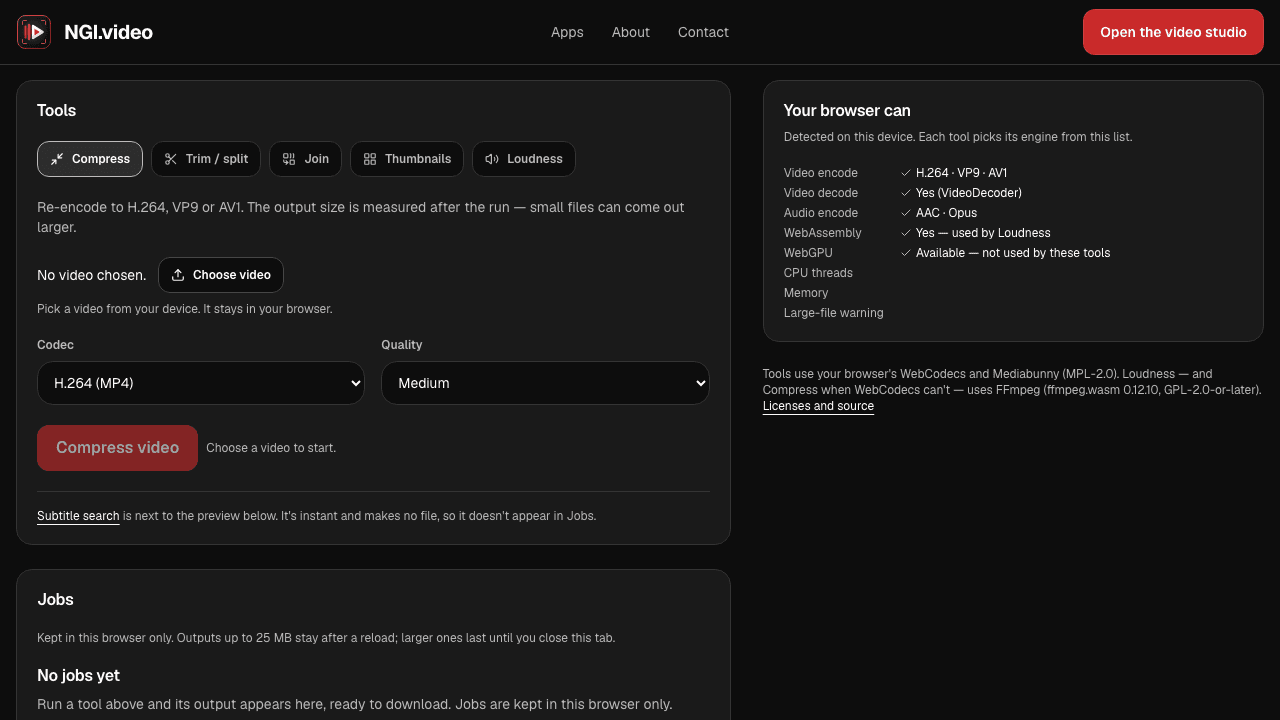
Video Studio
Open a video from your computer, jump to any line of a subtitle file, and save a frame, all without uploading the video.
Preview filters on your own video, play a story you help write, plan a night out in Tucson, or practice a job interview. Everything runs in your browser, with nothing to install.
Three good places to begin. None of them needs an account to get started.
Open a video from your computer, jump to any line of a subtitle file, and save a frame, all without uploading the video.
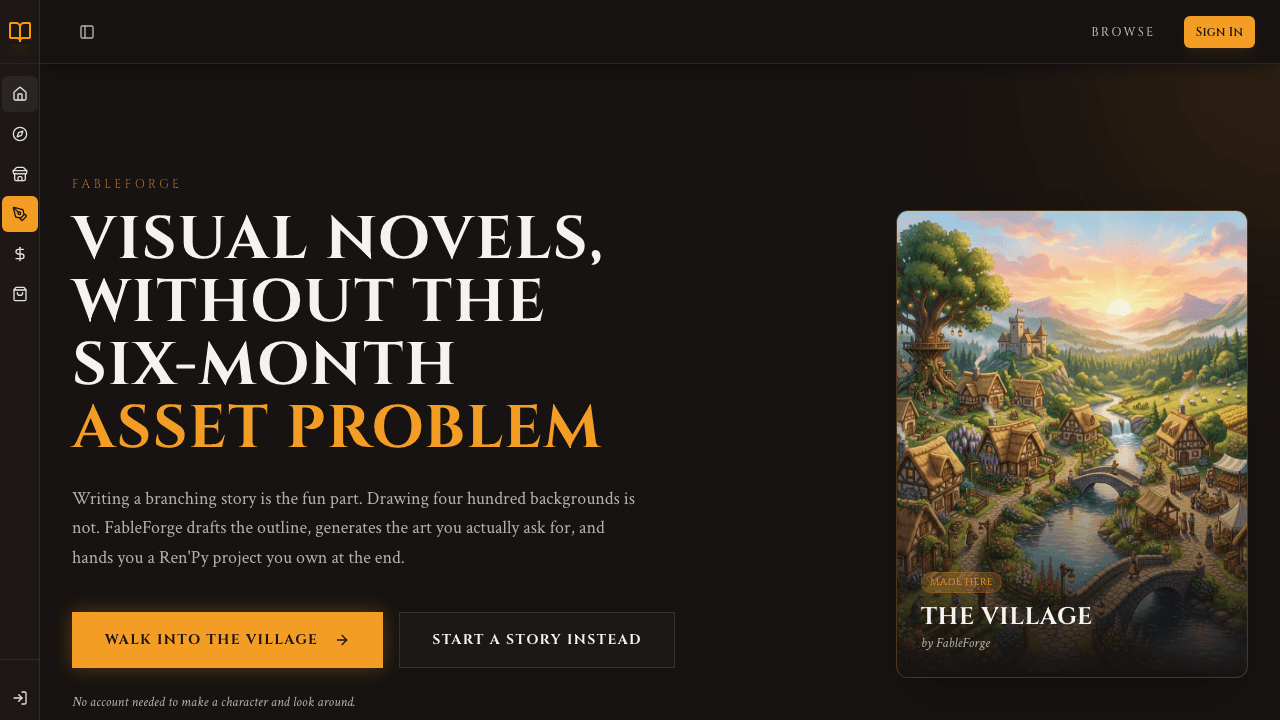
Make a character and explore a painted village, then try writing a story of your own.
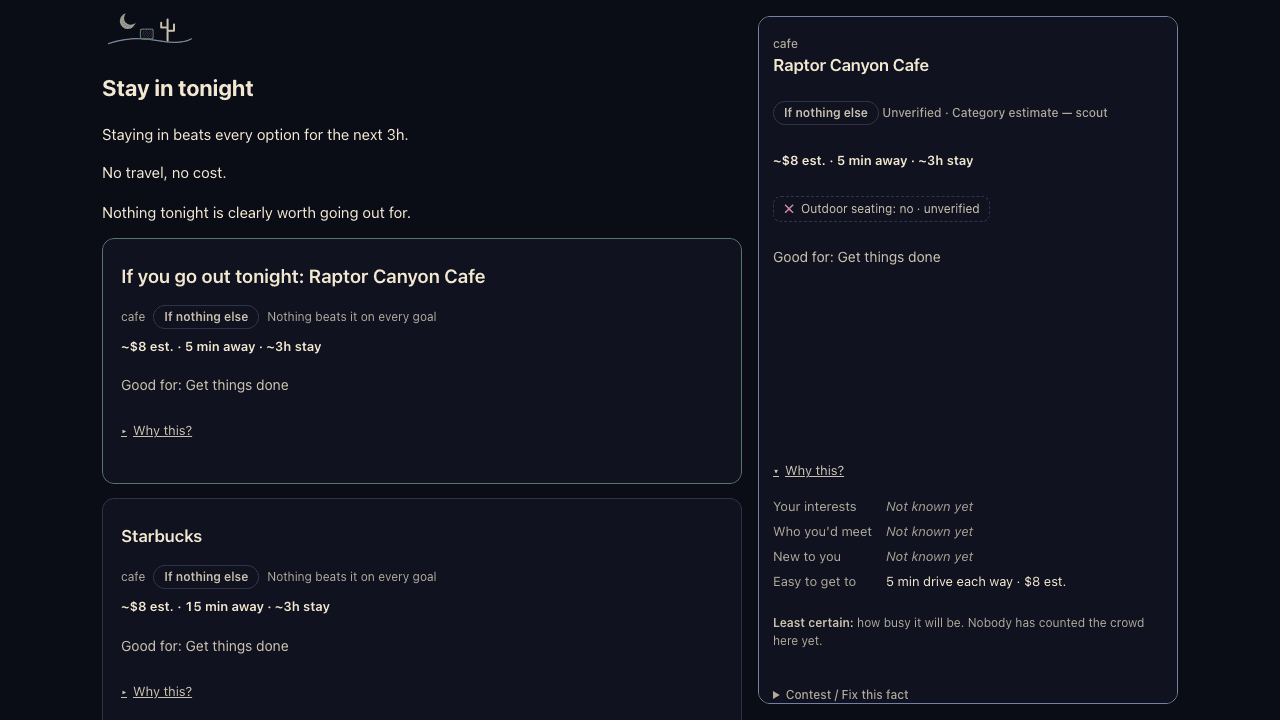
Pick a mood and how much time you have, and it suggests a spot in Tucson tonight, or tells you to stay in.
Practice job interviews, find out which of your skills hold up, and track which applications get replies.
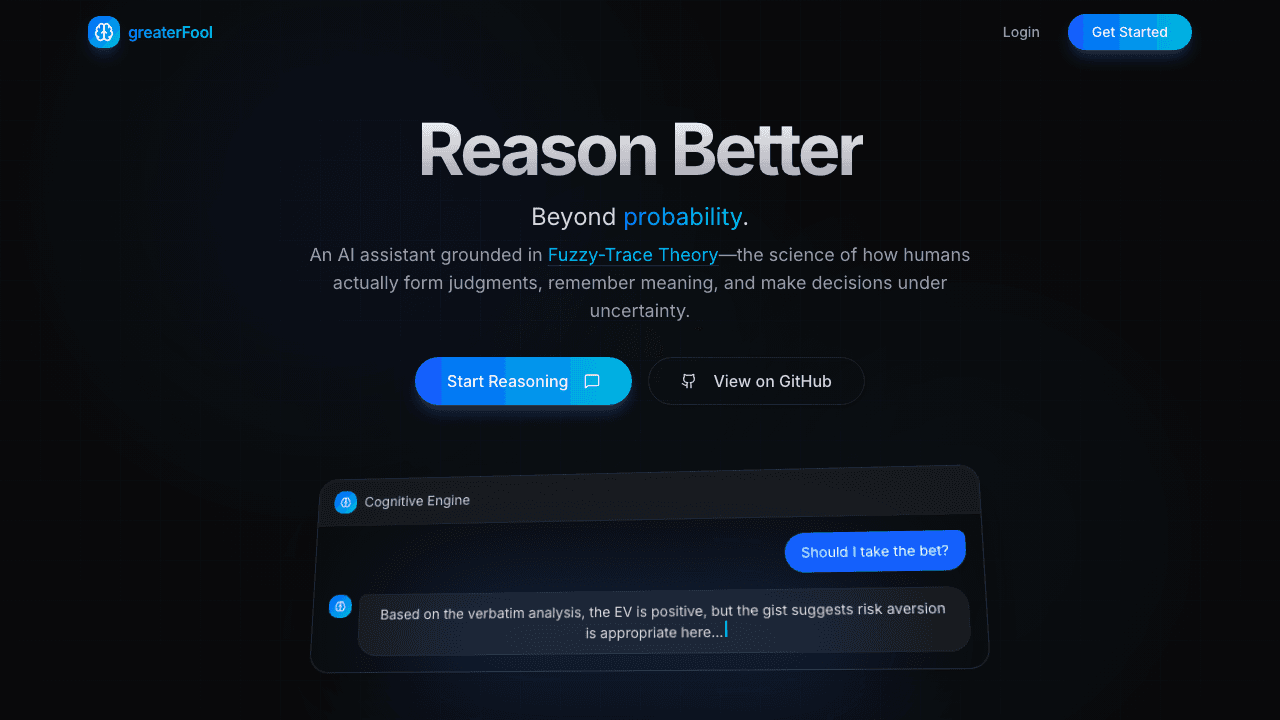
Talk through a risky decision and see the exact odds next to the plain bottom line before you commit.
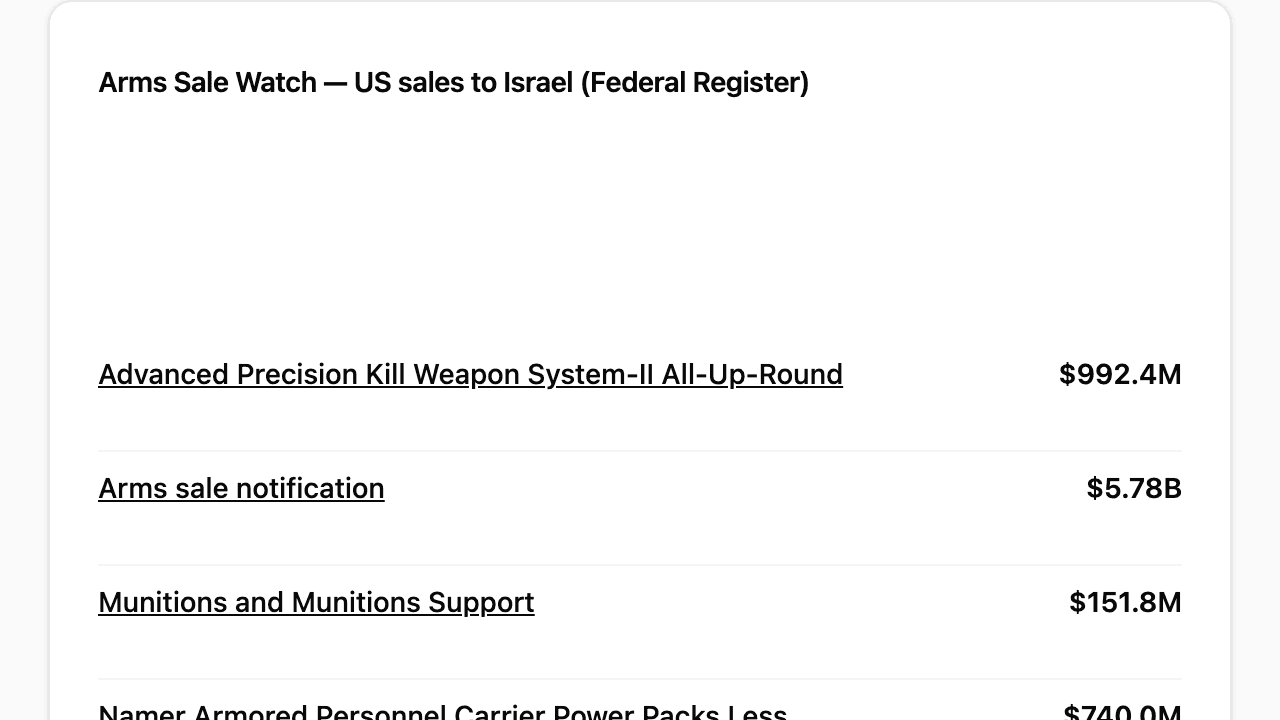
A weekly page of new federal filings and humanitarian data, with a link to each original document.
Sort your freelance business expenses with rules you can read, then fill in your Schedule C numbers.
Read this site's public endpoints, try the read-only ones from your browser, and get the OpenAPI spec.
Edit a talking-head video by deleting words from its transcript, and the matching cuts happen on the timeline.
Keep a see-through video floating over your work on a Mac while your clicks pass straight to the app below.
Paste any phrase from a podcast to find the exact second it was said, and read captions as clean paragraphs.
Find the videos in your folders that have no subtitles and caption them for free on your own computer.
Wake up to a historical photo taken exactly a century ago today, captioned and sent to your digital frame.
Upscale long videos to higher resolution on a home graphics card, in small tiles, and keep the audio.
Drag a box around anything in a Krita painting and get a clean cutout selection on its own layer.
A programming language designed so you describe your data once and get a matching database, server, and client.
Point it at slow Python code and it builds faster native versions, keeping only the ones whose output matches exactly.
Search your own documents and code by meaning and by exact words at once, without sending anything to the cloud.
Reuse written checklists for planning features and reviewing code, so AI-assisted work meets the same bar every time.
Run small machine-learning experiments with the hardware setup handled for you and clean logs you can compare.
A modern-day tactical tabletop campaign that players join in the browser, with character sheets that handle gear math.
Sneak, hack, fight, or talk your way through every mission in a first-person sci-fi harbor city.
Play a fictional U.S. president for two terms and see how budget choices change everyday family budgets.
32 turns across two terms
Train crafting, gathering, and combat skills in an idle RPG that keeps progressing while you are away.
28 skills to train
Wire up base power, batch your crafting, and sort storage faster in a custom build of Cataclysm: Bright Nights.
Host a tabletop campaign for friends with add-on versions locked in, so nothing breaks right before game night.
Build factories in a Minecraft modpack where overlapping mods share one set of ores and recipes, tuned for multiplayer servers.
Turn fast-scrolling combat text in a text-based RPG into live health bars, cooldown timers, and an automatic room map.
Find out what causes lag spikes in your survival game server by logging frame-rate dips, memory pauses, and enemy counts.
Rotate and slice real brain scans in three dimensions right inside your presentation slides without crashing the browser.
Load a spreadsheet of brain scan coordinates and get a table naming the brain region each one falls in.
Read live captions of a conversation and follow checklists hands-free on the display of your Vuzix smart glasses.
Arrange browser panels and media at comfortable depths in three dimensions when you wear XR display glasses.
Let your AI assistant read today's schedule and add or check off tasks in your Amazing Marvin planner.
Import your bank statements, sort spending with your own rules, and see your monthly burn rate and runway.
Deploy your self-hosted site and only call it done once the live address answers cleanly three times in a row.
See which big folders sit unopened for weeks and move them to an archive drive without breaking file paths.
Turn raw game logs into charts of damage per second, item drop rates, and experience gained each session.
Press one shortcut to lay out windows across all your Mac monitors and switch audio to the right device.
Give AI coding tools a ready-made sandbox with compilers and browsers installed, so they never touch your personal files.
Any app that needs a free account says so on its card, before you open it.
Ramada ranks staying in alongside going out, and PeaceBoard links each item to the original document.
When an app stops responding, we mark its card “Offline right now” instead of hiding it.
Want an app like these built for your team, or video processing for your own footage?
Either button opens your email app. You can also write to nextgen.video.dev@gmail.com.